World App
List Your Store as a MiniApp on World App
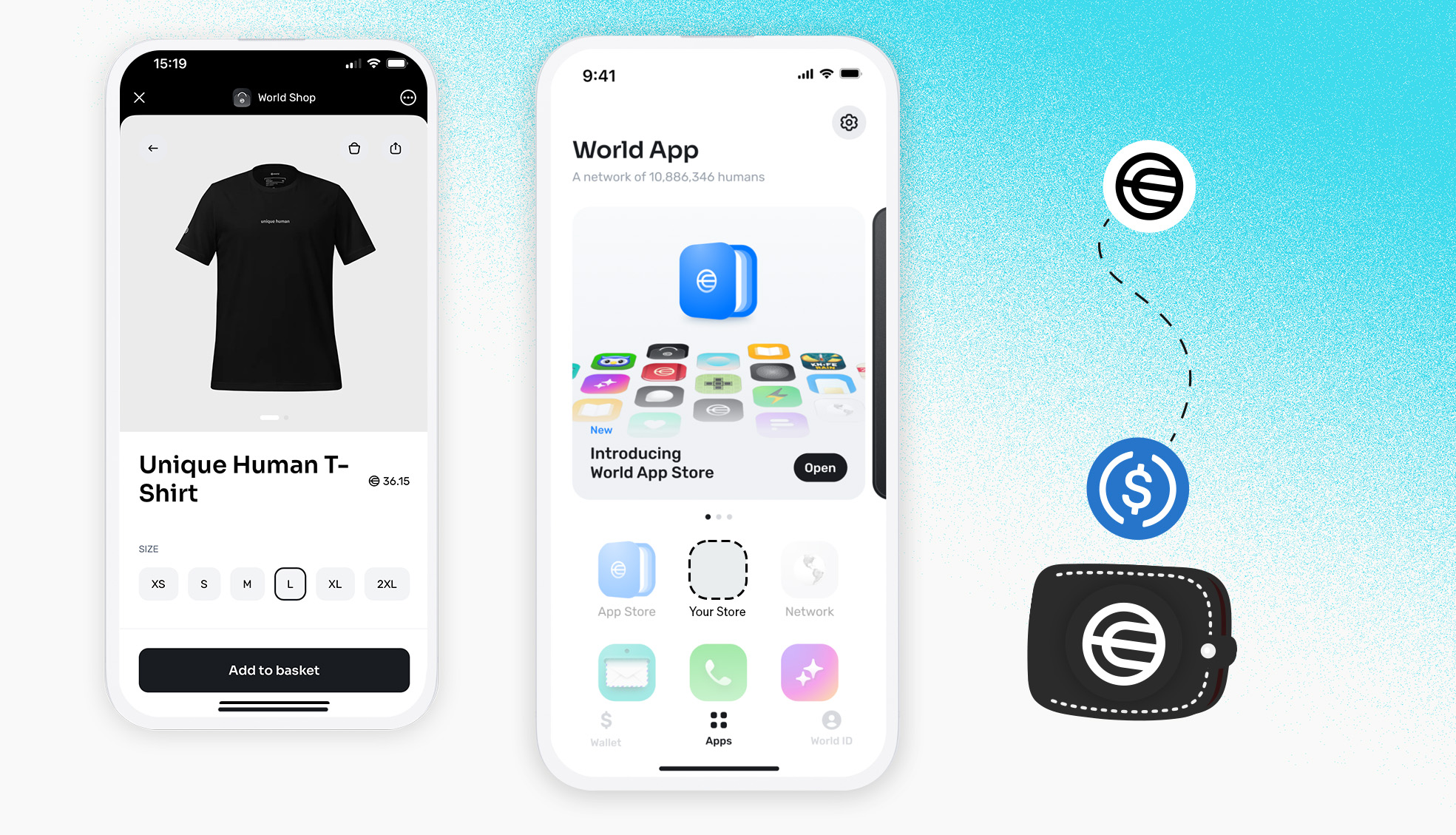
Example
https://world.org/ecosystem/app_e40049a2b0b344c63754a954b84308df
Before you start
Make sure you have an online shop and that DePay is installed or integrated into it—whether you're using Shopify, WooCommerce, or any other platform supported by DePay:
Accept tokens on World Chain
To get your shop listed as a MiniApp on World App, make sure you accept tokens on World Chain.
Select at least one World Chain token in your DePay payment configuration:
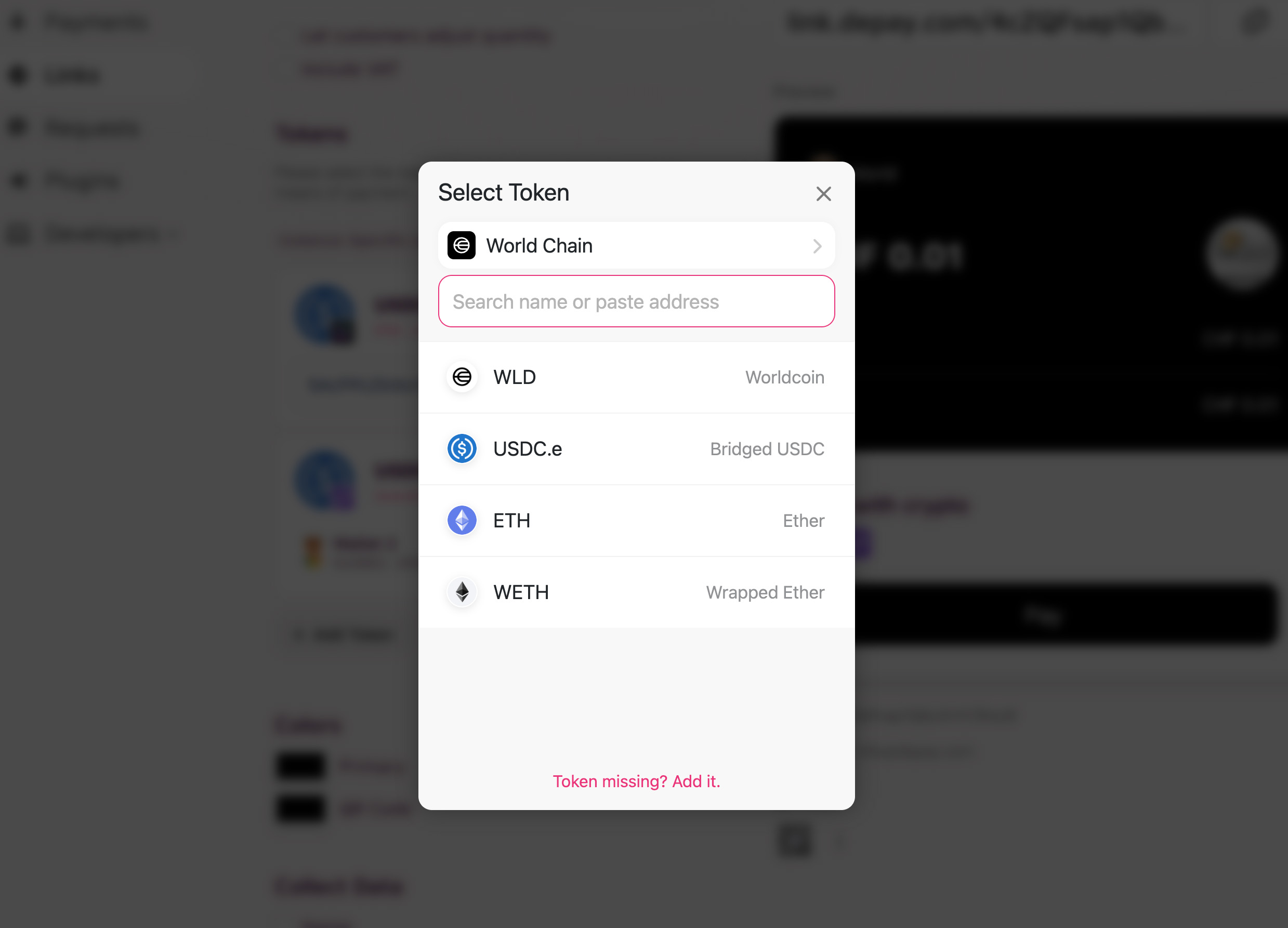
If you don’t add at least one World Chain token as an accepted payment method in you DePay configuration, payments in your Shop on World App won’t work.
Step-by-step
Create a World Account
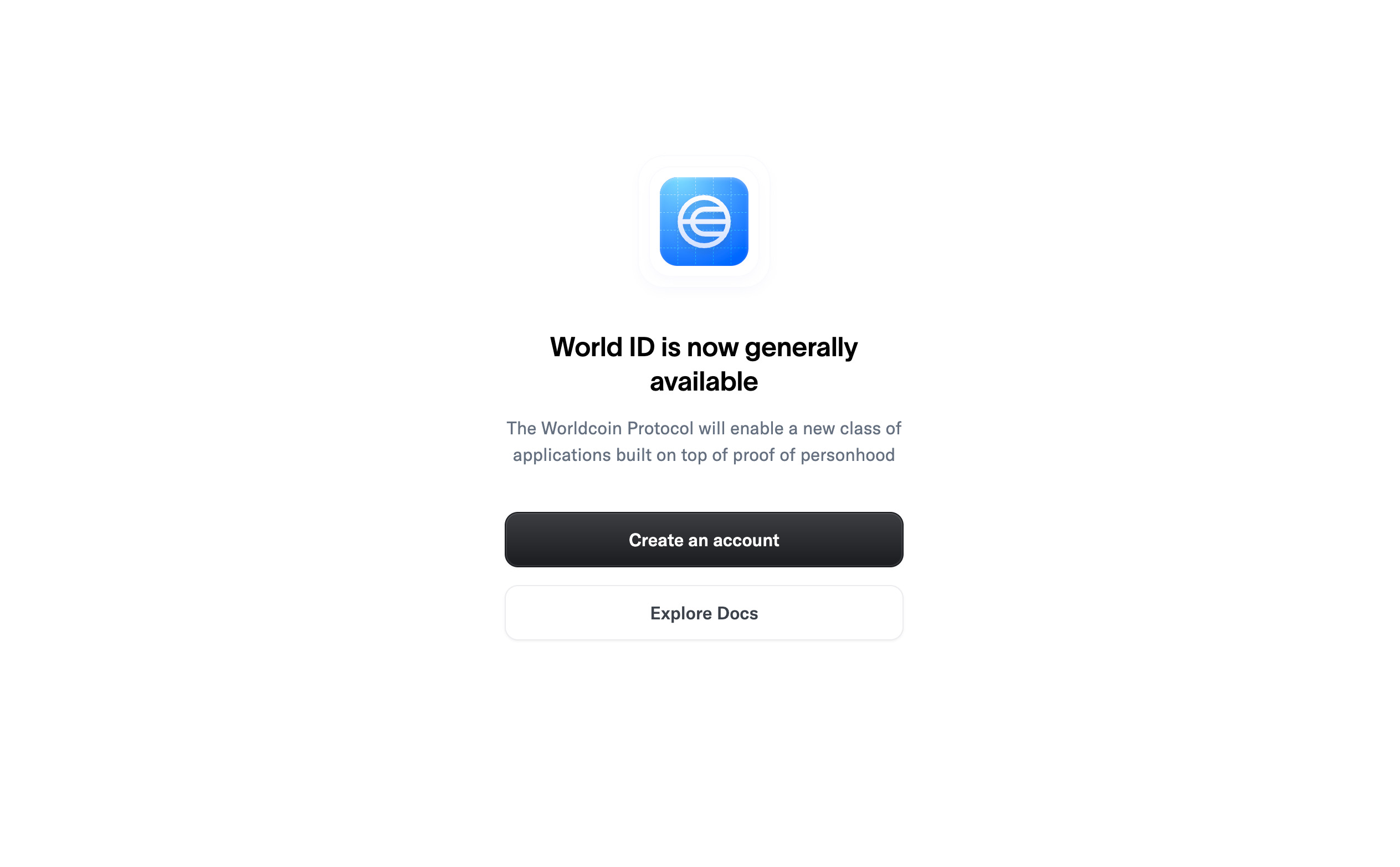
Visit https://developer.worldcoin.org and click "Create an Account":
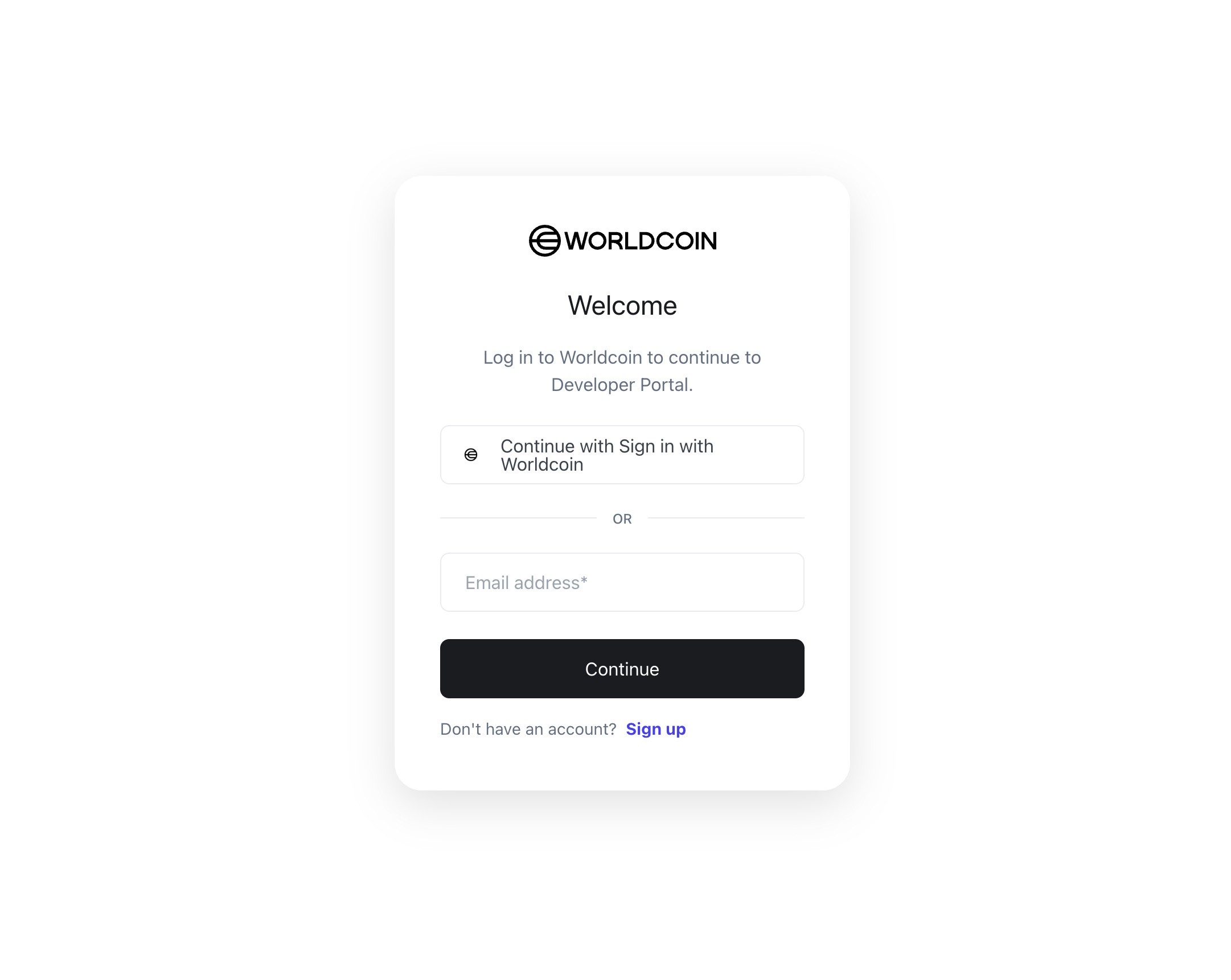
Register either using your email or your World App:
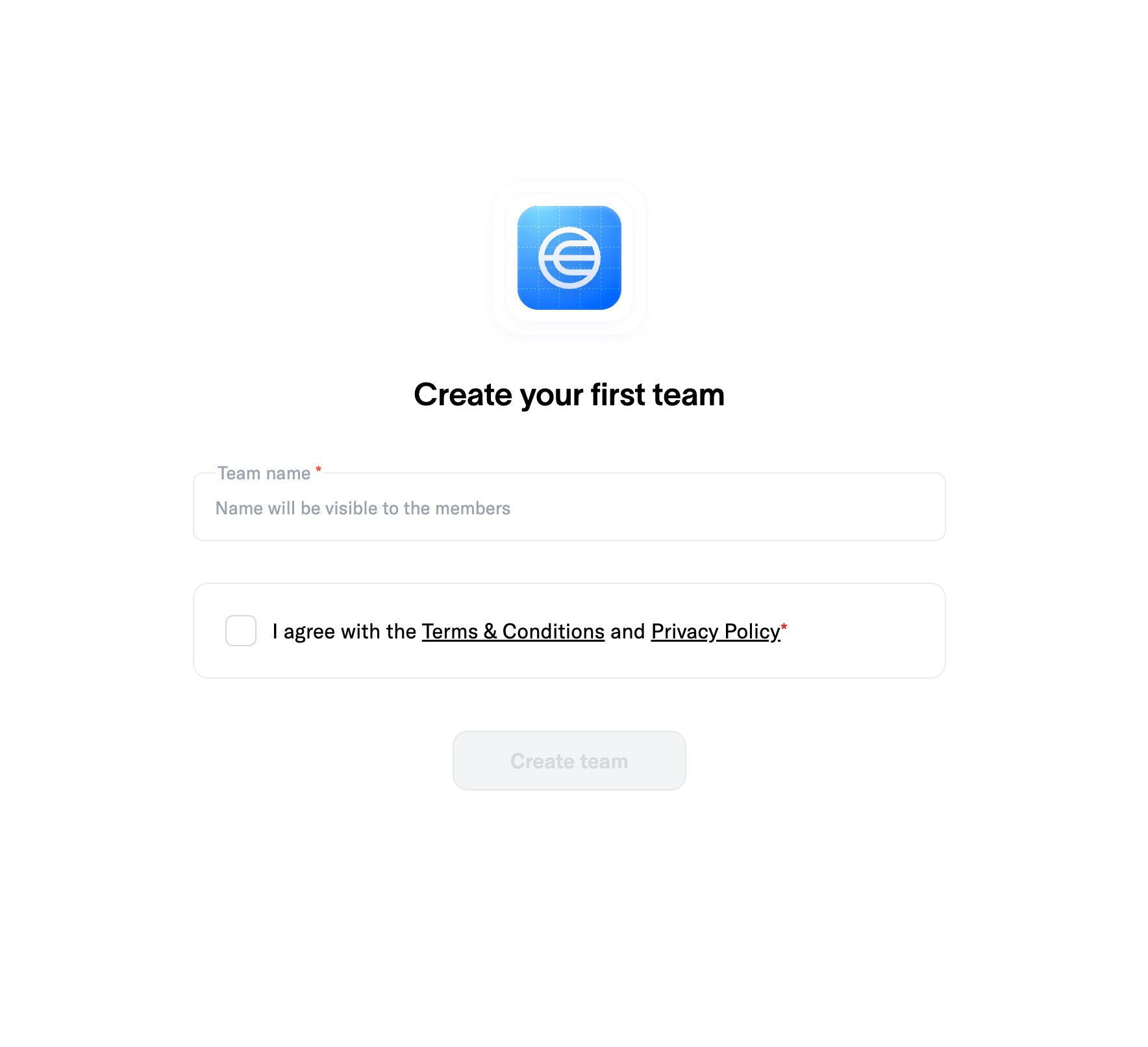
Name your Account
Name your account—use your shop or brand name, for example:
Create an App
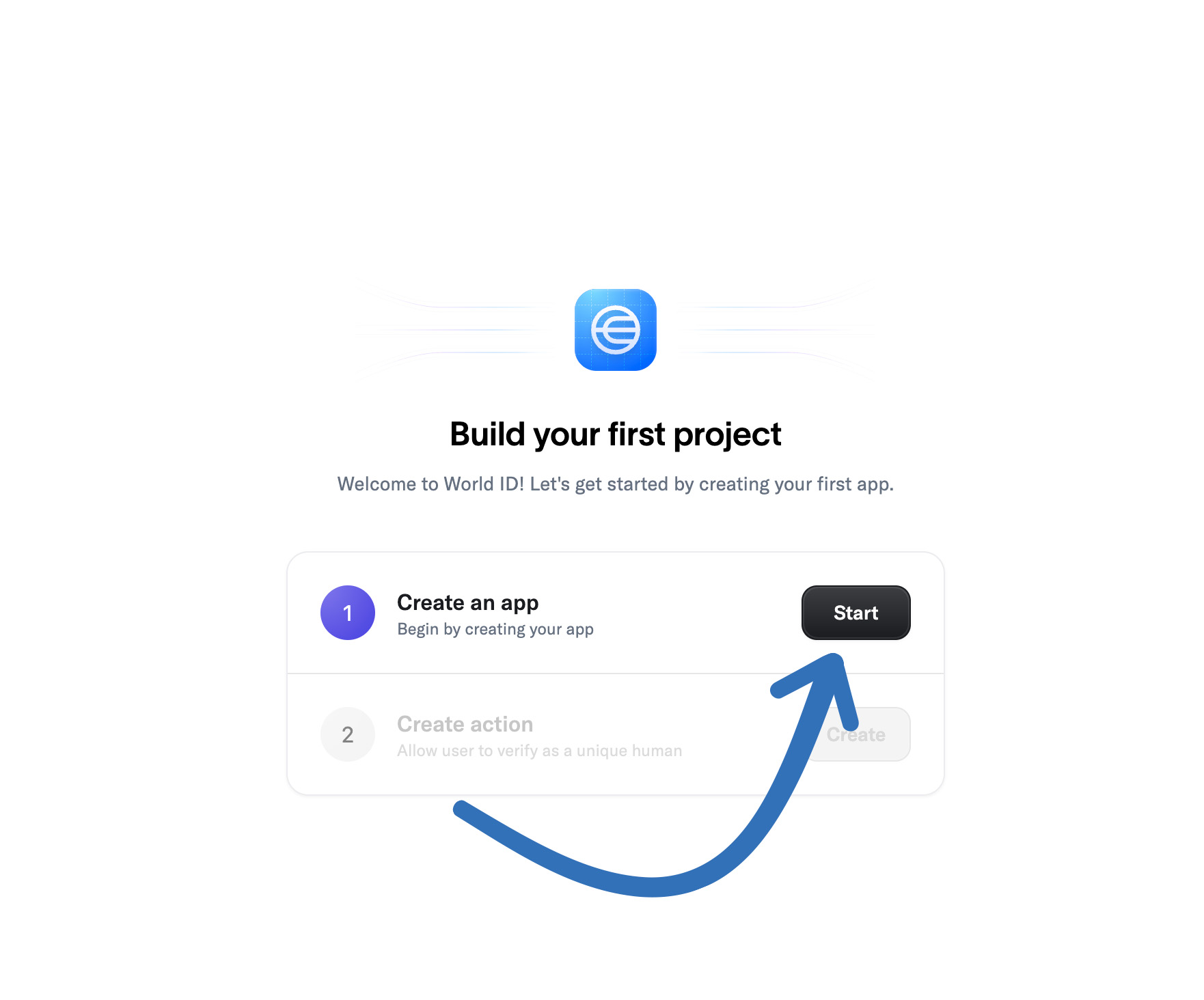
Now create an app by clicking "Start":
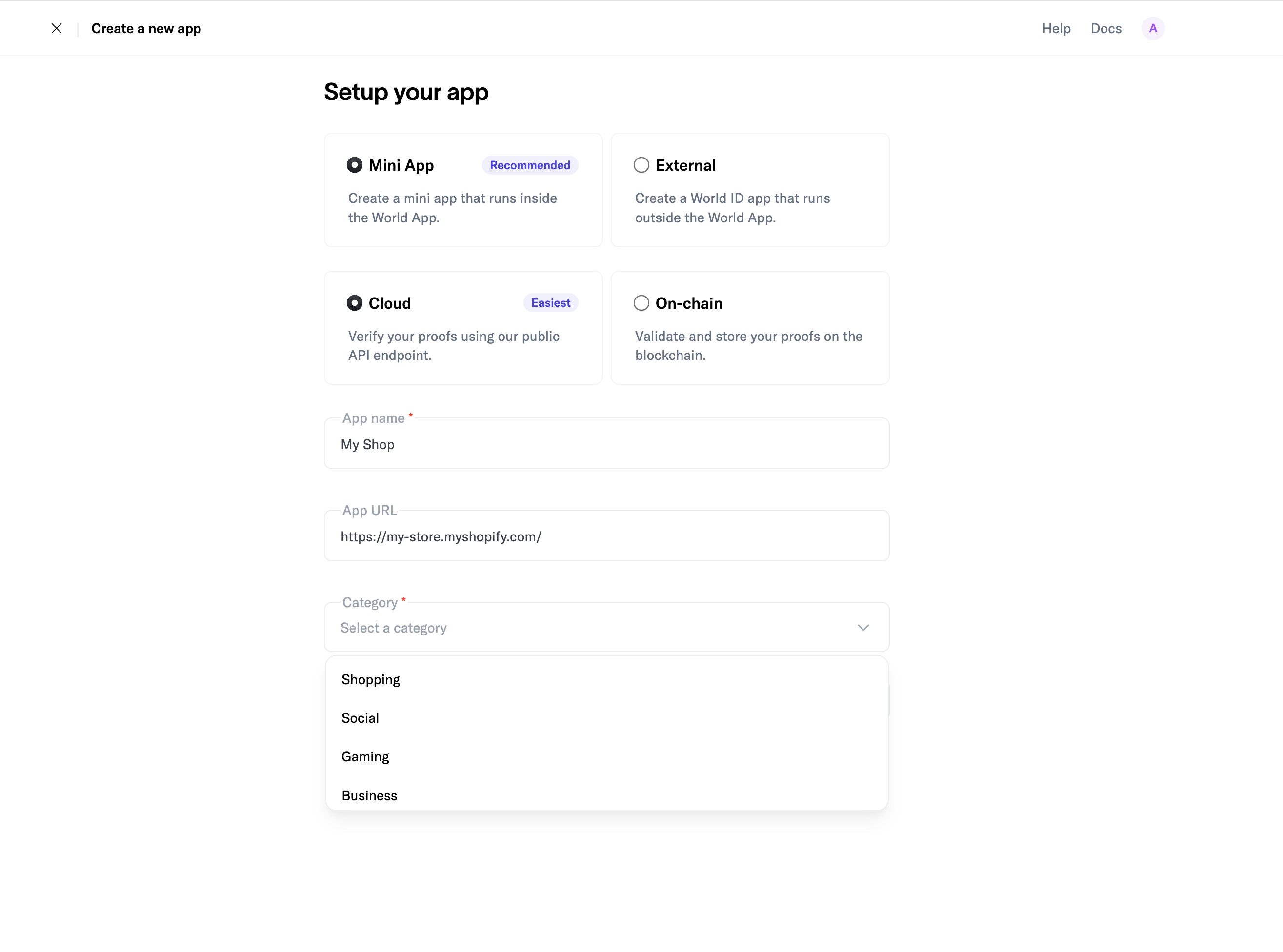
Now enter the App details. Leave "Mini App" and "Cloud" selected.
Enter your shop or brand name as "App Name".
Enter your store url as "App URL".
The App URL should be the homepage of your store.
Select "Shopping" as category.
Icon/Logo
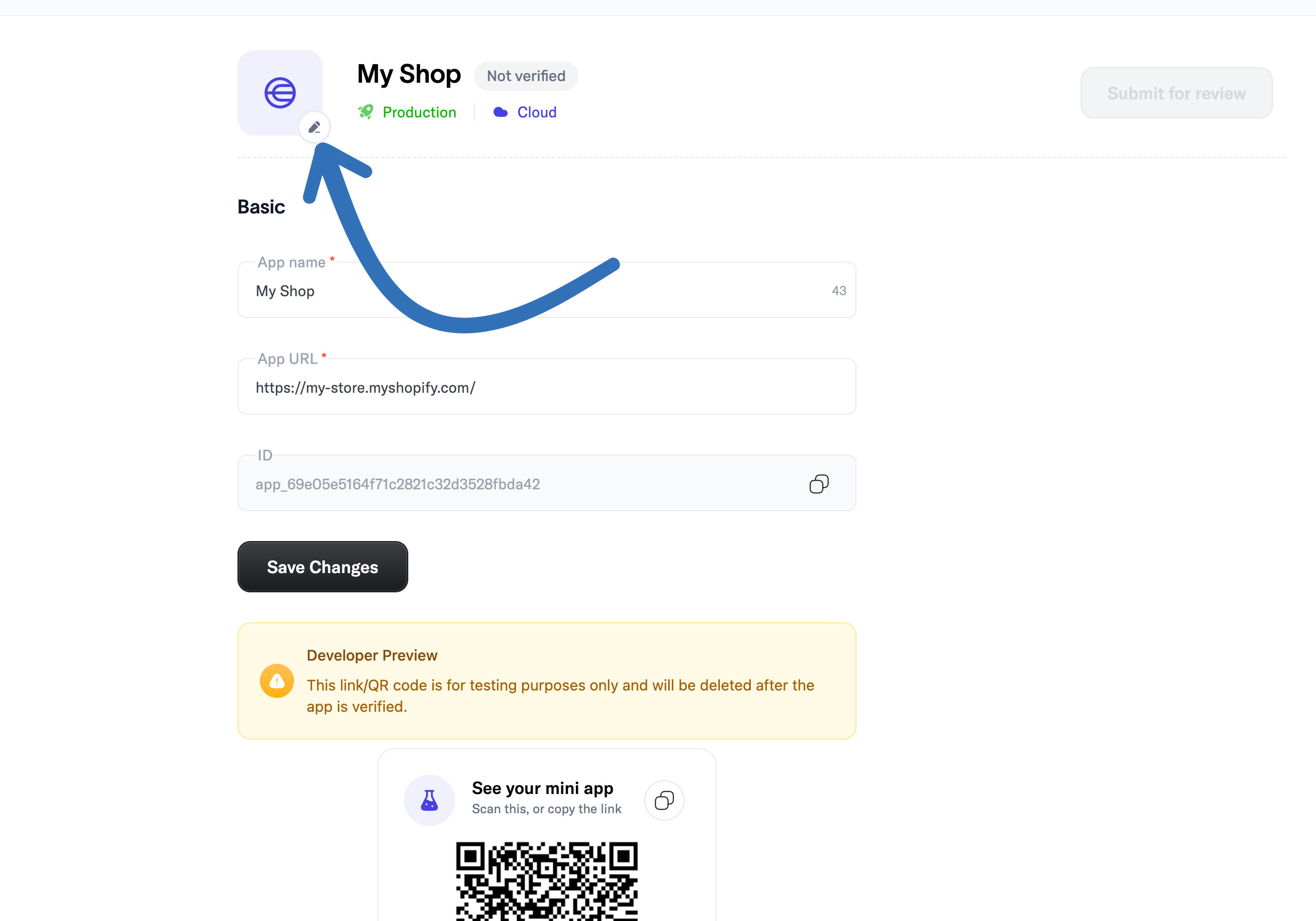
Now upload your shop or brand logo as app icon:
Listing Details
Now navigate to "App Store" and enter the required listing information:
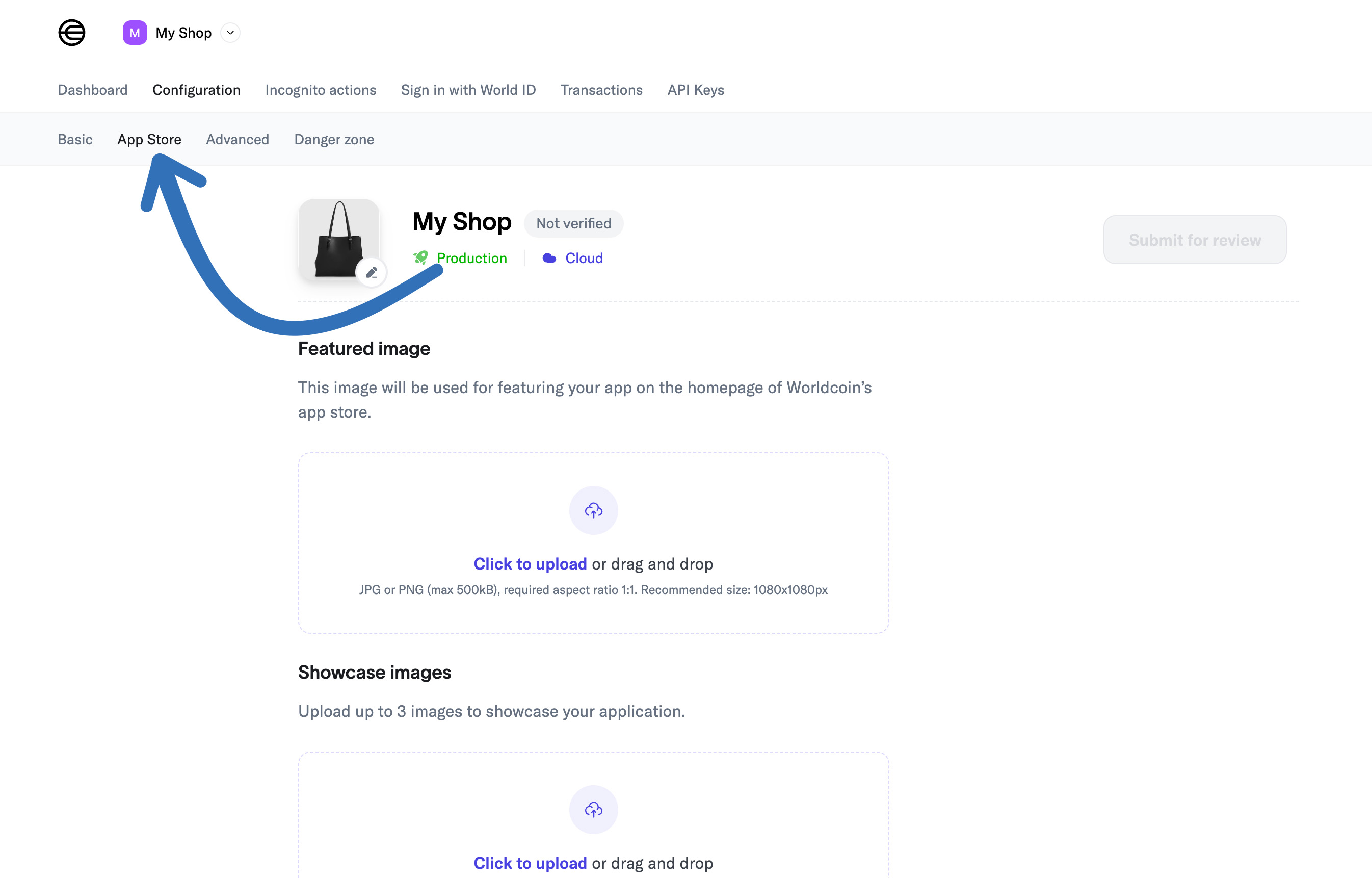
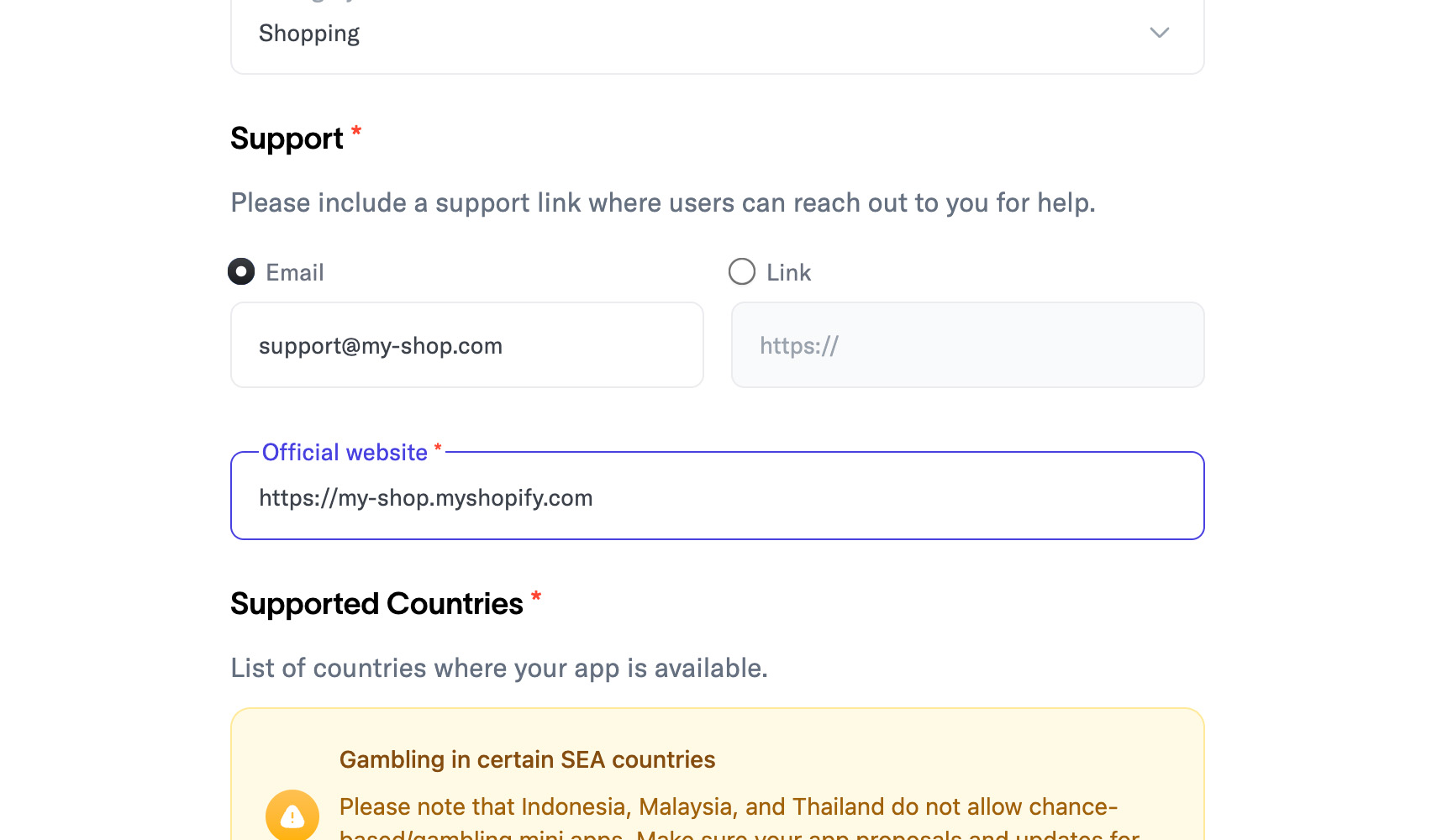
Under "Support", choose either "Email" or a "Link" to your support page or form, and enter the corresponding details.
Support Details
Enter your store homepage url again as "Official Website":
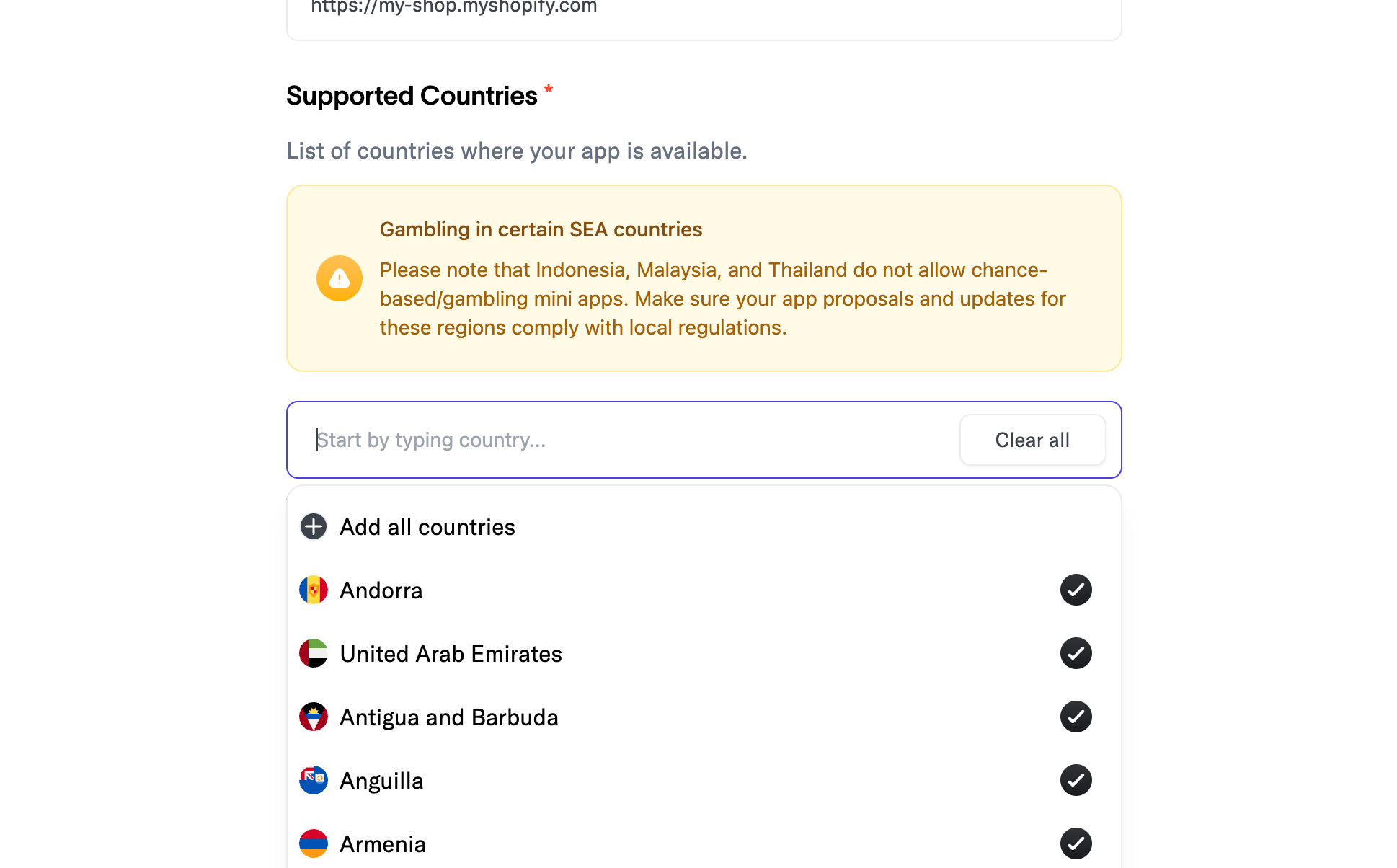
Support Countries
Select all supported countries.
Only select the countries you actually ship to.
Languages and Description
Set your supported languages, or keep the default (English). Then enter a "Short Name," "App Tagline," and an "Overview."
For example:
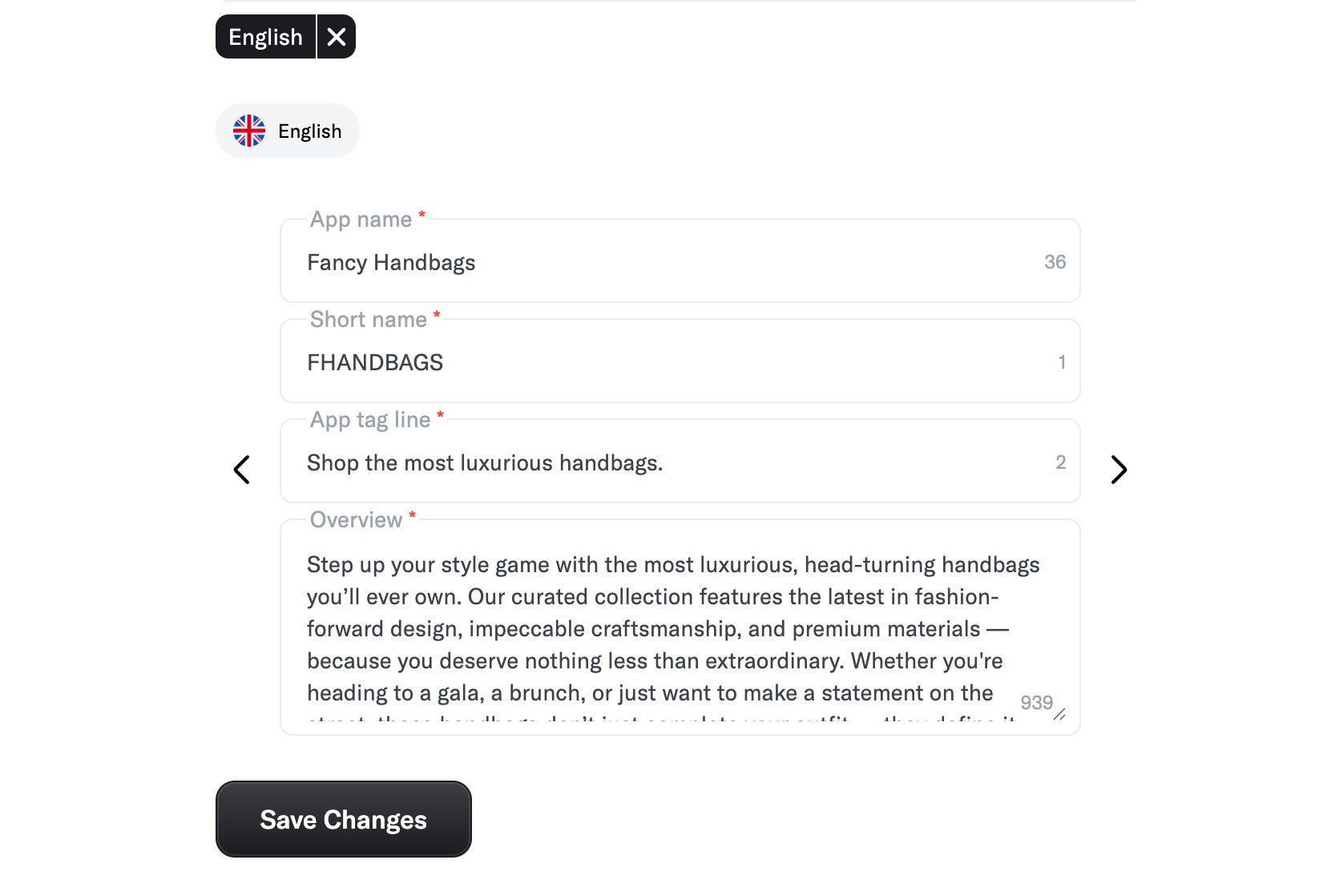
Make sure you finish this step by clicking "Save Changes"!
Additional Domains
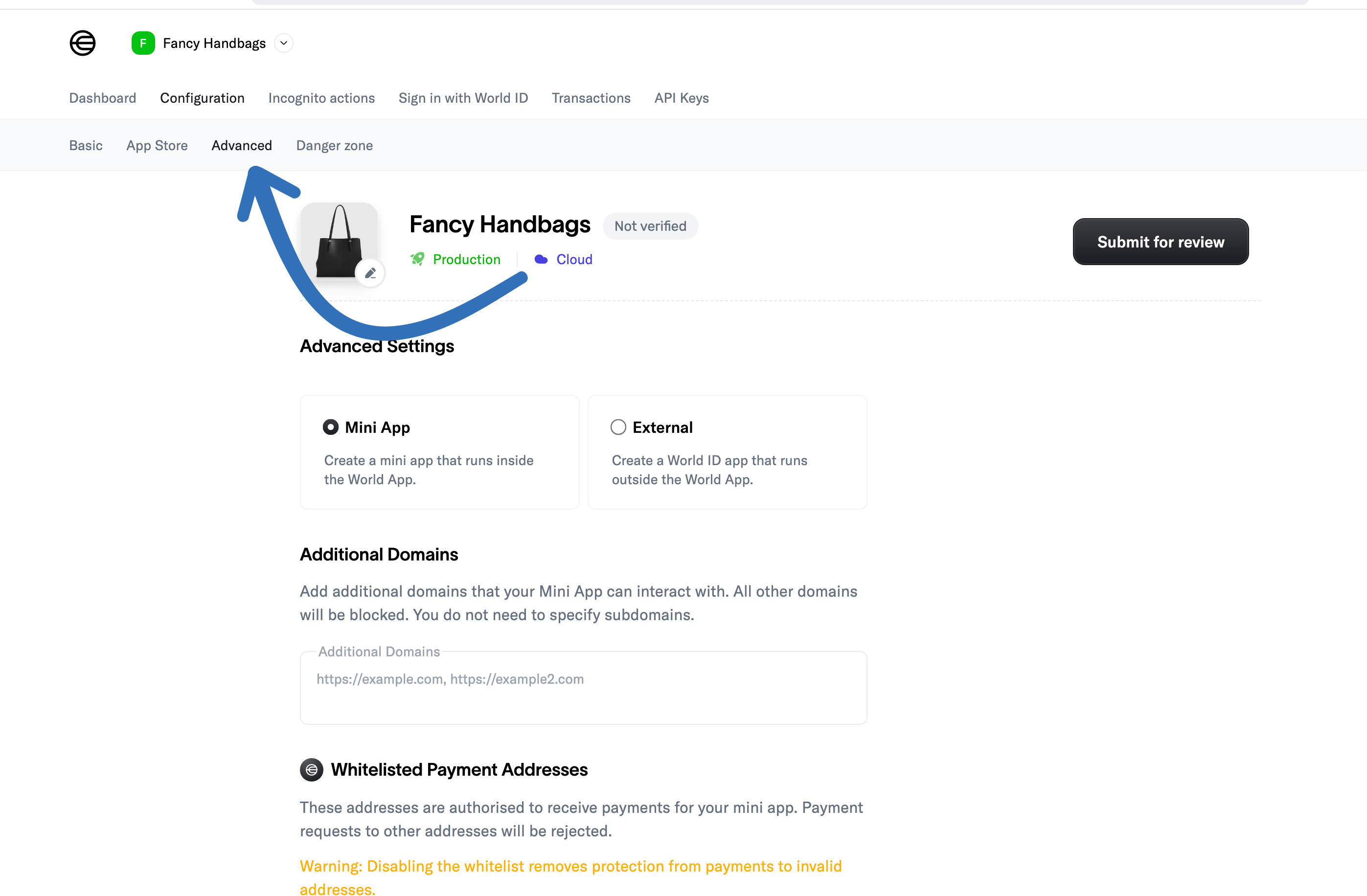
Now navigate to "Advanced":
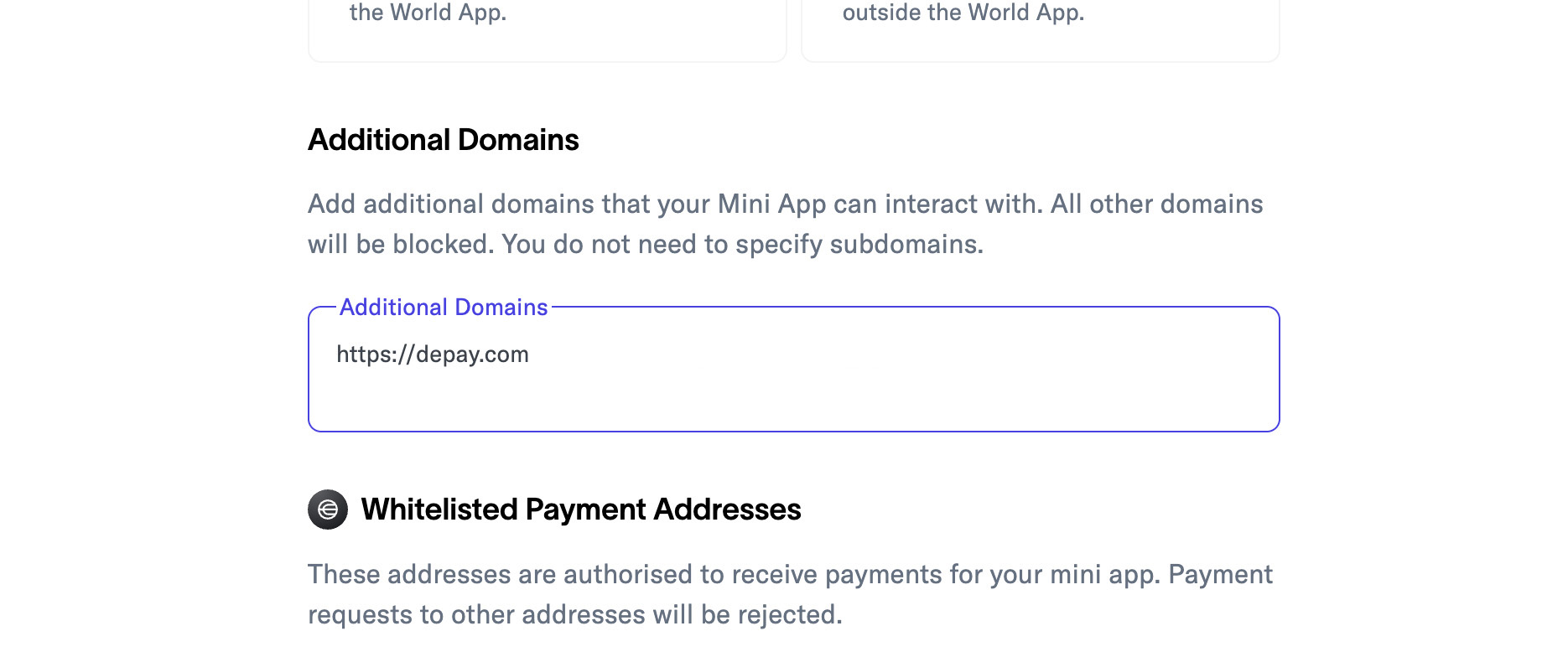
Then set "Additional Domains" to: https://depay.com
Permitted Tokens
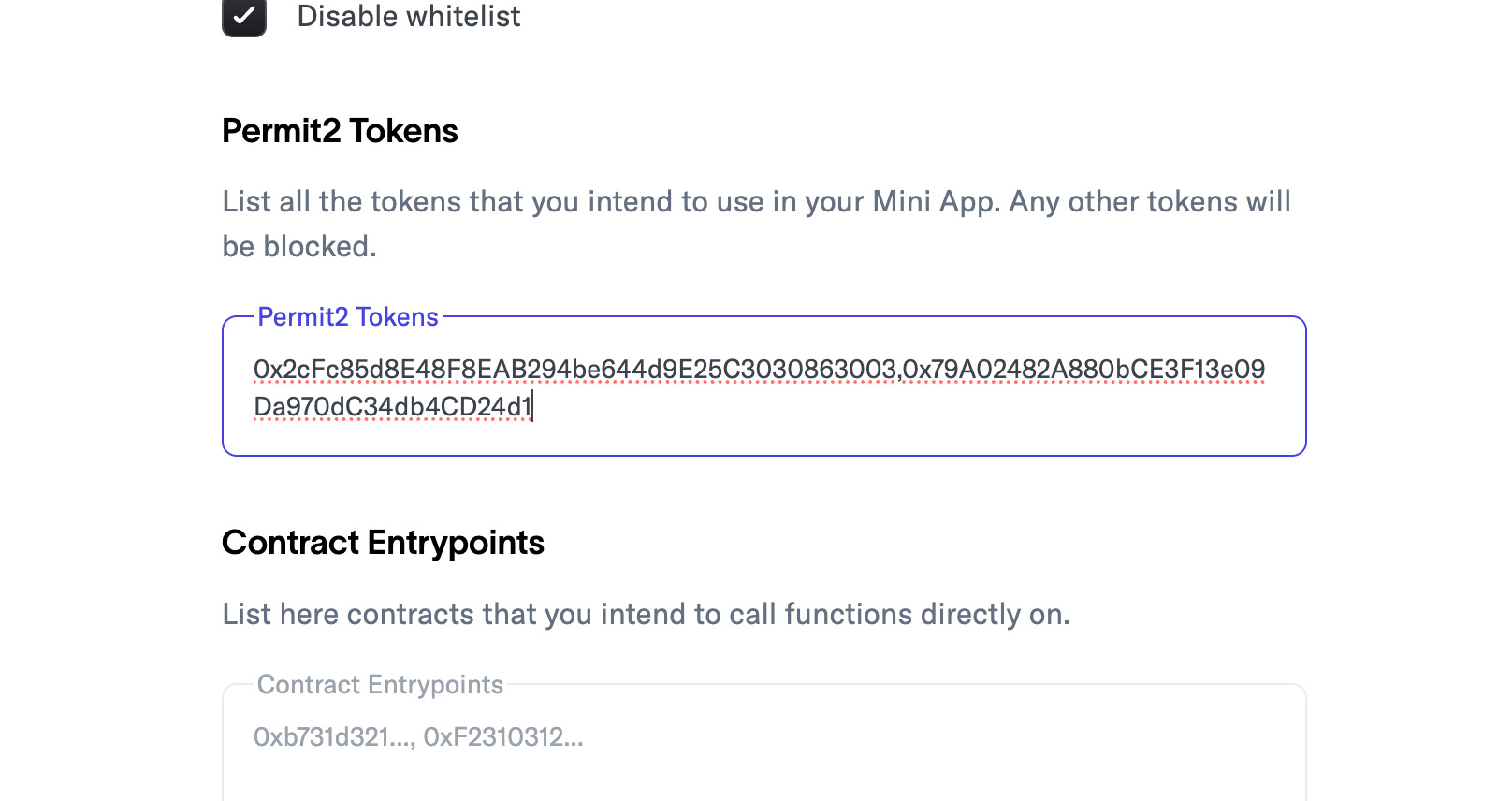
Now configure the tokens that you allow customers to use.
We recommend to at least allow World Coin and USDC and set "Permit2 Tokens" to 0x2cFc85d8E48F8EAB294be644d9E25C3030863003,0x79A02482A880bCE3F13e09Da970dC34db4CD24d1
For all other token addresses, visit: https://worldscan.org/tokens
Contract Entrypoints
Set DePay's smart contracts as entrypoints: 0x886eb82a7e5E7310F66A0E83748662A17E391eb0:
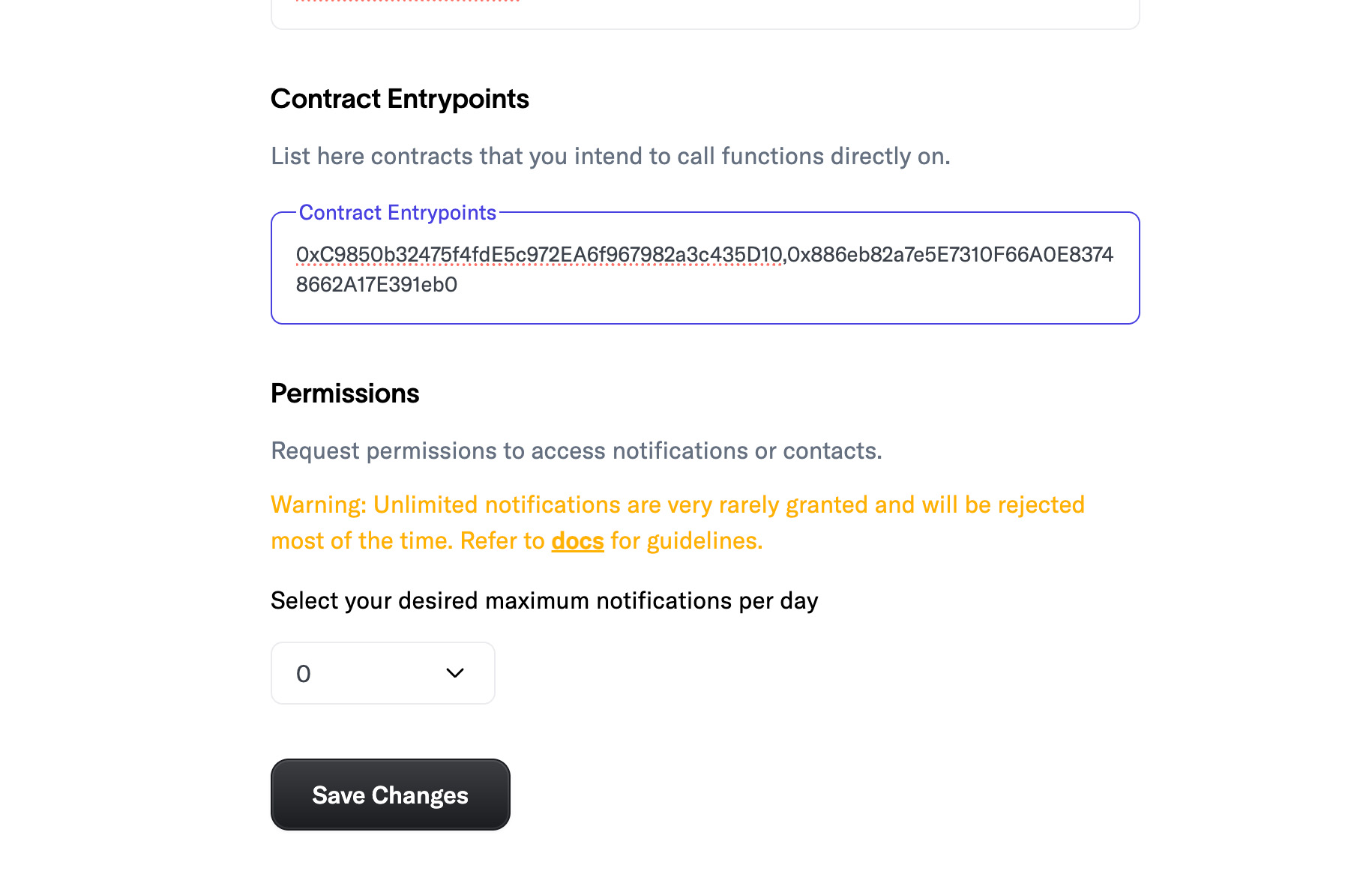
Make sure you finish this step by clicking "Save Changes"!
Submit for Review
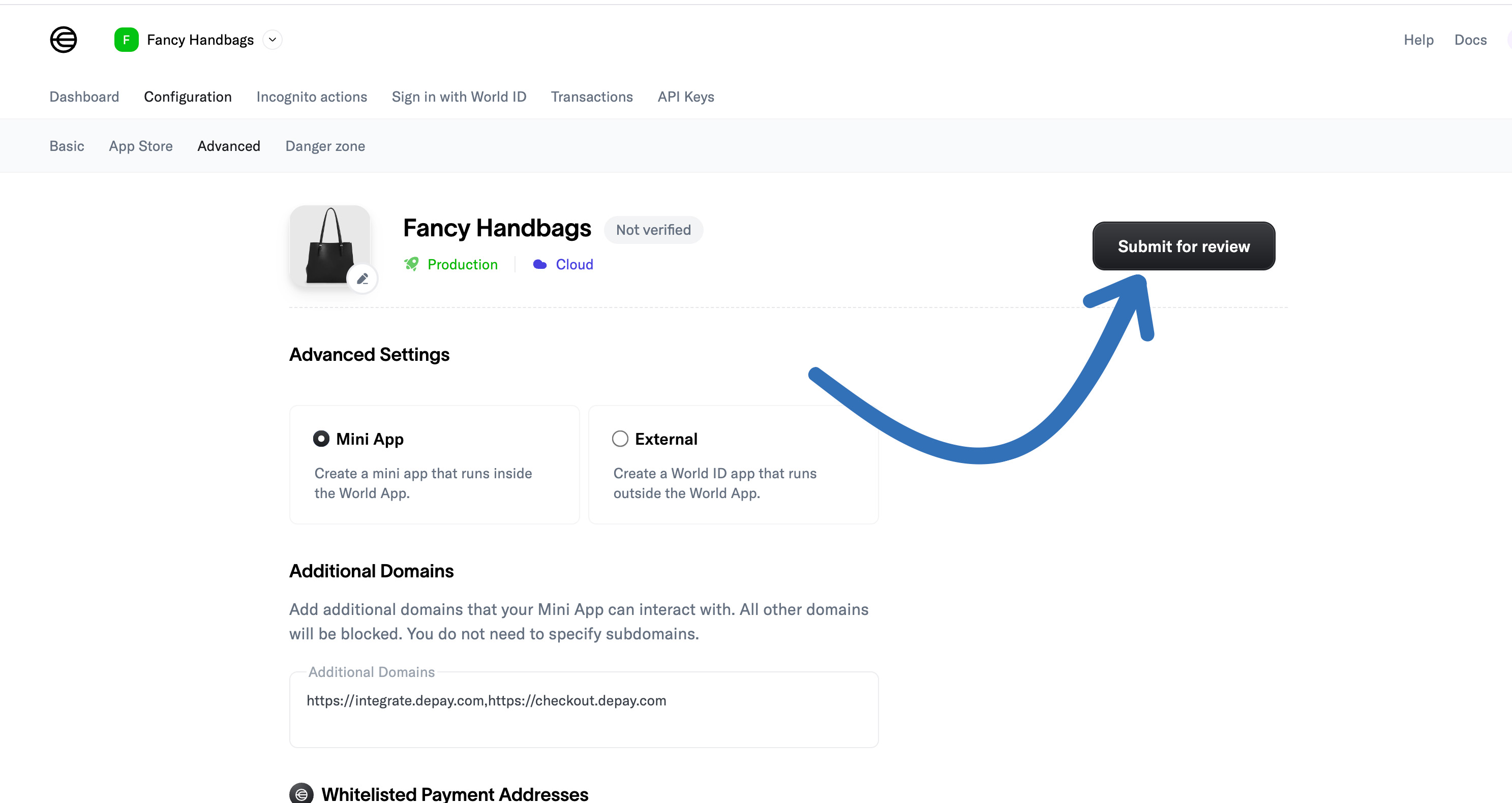
After clicking "Save Changes" scroll up and click "Submit for Review":
Now check "Allow App Store Listing" and enter "Changelog":
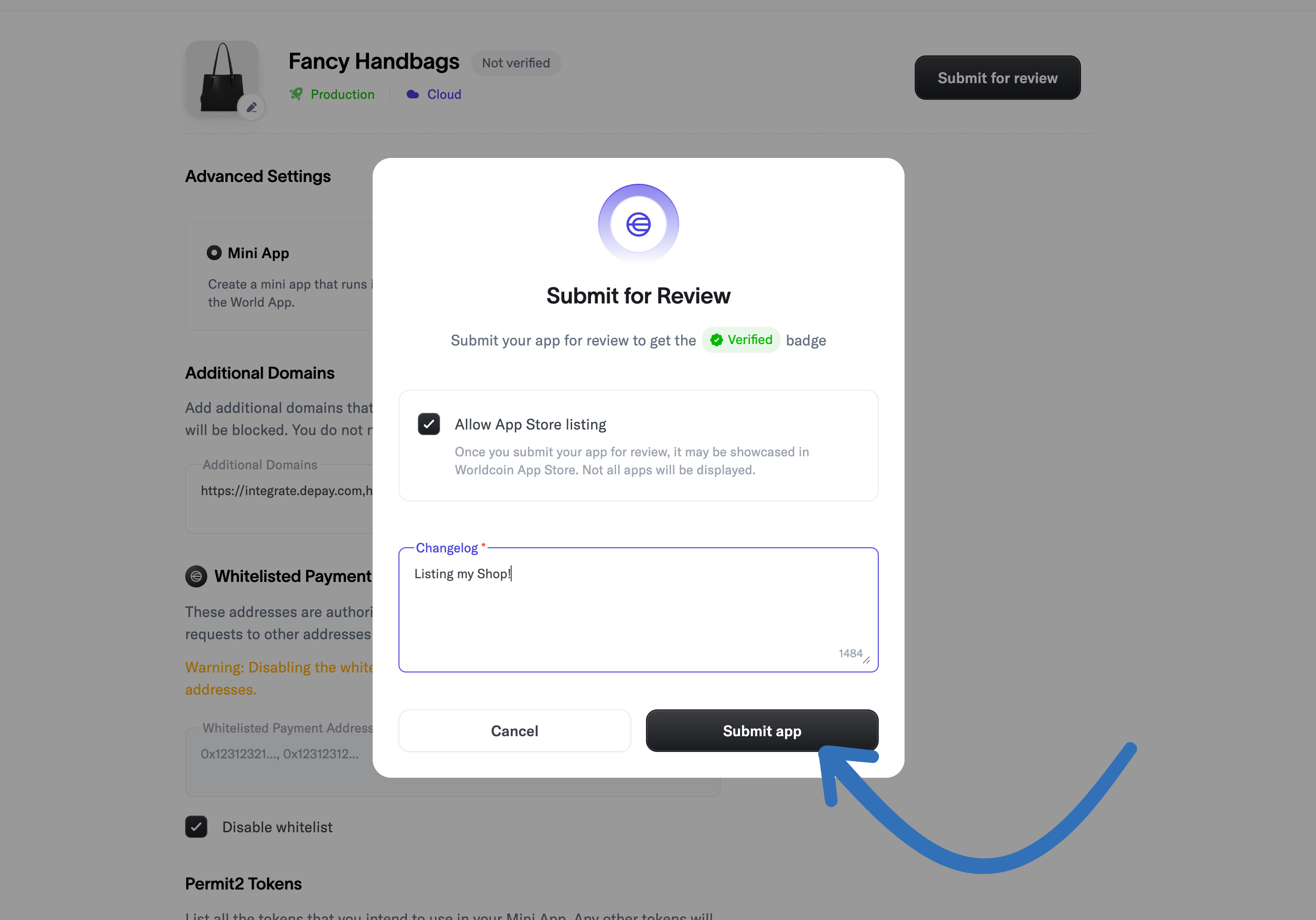
Finally click "Submit app" to submit it.
Your shop has been successfully submitted to World App.